

Server Management Kit
A best practice-based kit to assist with GoldMine server management. It includes:
- Backups: Configuration of a SQL Maintenance Plan and GoldMine file-level backups.
- Automated logins: To ensure continued job scheduler operation in the event of server reboot.
- Job Scheduler: Console-based scheduler configuration to launch related admin jobs.
- AP Scanner: Configuration of server-based Automated Process scanner, truly making them automated.
- Utility batch scripts.
- For backups: 1 TB USB External Hard Drive (a second drive if you want to swap one offsite weekly)
- Microsoft Windows Server® 2003 R1 or R2 x86 (32-bit)
- 2 GB of RAM minimum. More RAM may be required for a larger GoldMine database and/or source data
- 2.0 GHz or faster CPU (Intel or AMD). Multiple cores may be required for large data sets
- Microsoft Windows Server® 2008 R1, R2 x86 (32 bit) or x64 (64-bit)
- 2 GB of RAM minimum. More RAM may be required for a larger GoldMine database and/or source data.
- 3.0 GHz or faster CPU (Intel or AMD). Multiple cores may be required for large datasets.
- Microsoft® SQL Server™ 2005 or SQL Server 2008 R1 or R2
- 500 MB of available hard drive space. More may be required for a larger GoldMine database or source dataset.
- GoldMine®:
- GoldMine Corporate Edition 7.6 or newer.
- GoldMine Premium Edition 8.03 or newer.
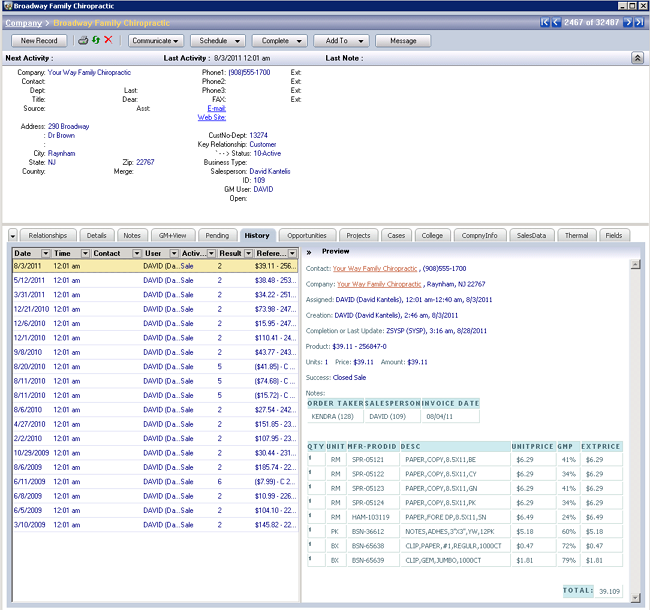
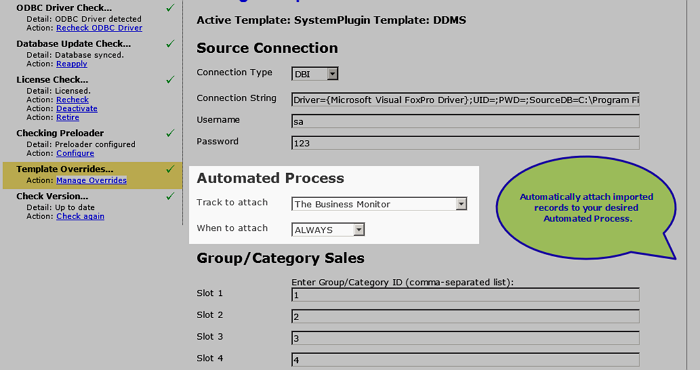
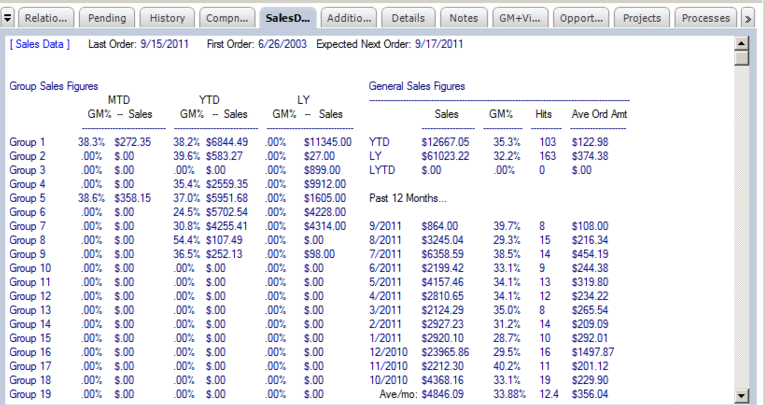
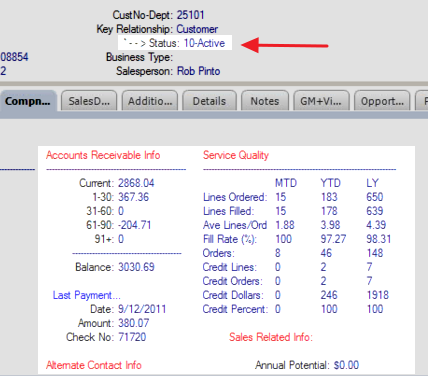
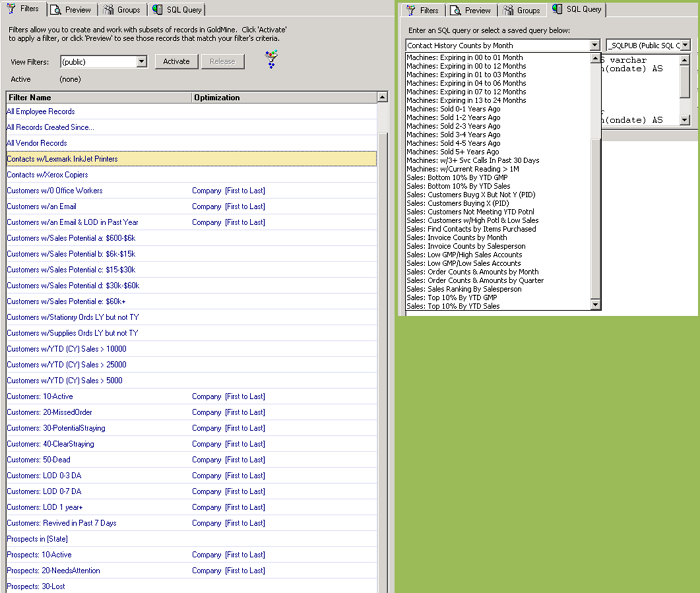
Note: Not all data is available from all accounting/ERP systems. Preview screen only available in GoldMine Premium 8.5 and higher..
Server Management - License - New/Additional
Qty Hint: Must equal the GoldMine user license count.
License for 1) NEW product purchases or 2) ADDITIONAL license activations for existing installations. NOTES: a) Installation charge is separate. b) You must also purchase equal number of Maintenance subscriptions. Login to view pricing.
Server Management - License - Upgrade
Qty Hint: Must equal the GoldMine user license count.
License for 1) UPGRADING existing product NOTES: a) Installation charge is separate. b) You must also purchase equal number of Maintenance subscriptions. Login to view pricing.